Afarin
The next gen operating system for solo founders & small teams
One workspace for your humans, your agents and everything they know & work on.
Stop pasting your business into a new chat every morning. In Afarin, your people and your agents share the same chats, files, apps and memory. Reach them in Slack, by email, on WhatsApp or on a call, and approve what ships.
Reach your team in
- Chat
- Slack
- Calls
- Meetings
Slack
Maya Ortiz@Afarin can we move Harbor's launch to Friday?
Harbor Coffee chat
AfarinMoving it. Jevie, does Tuesday's newsletter still work?
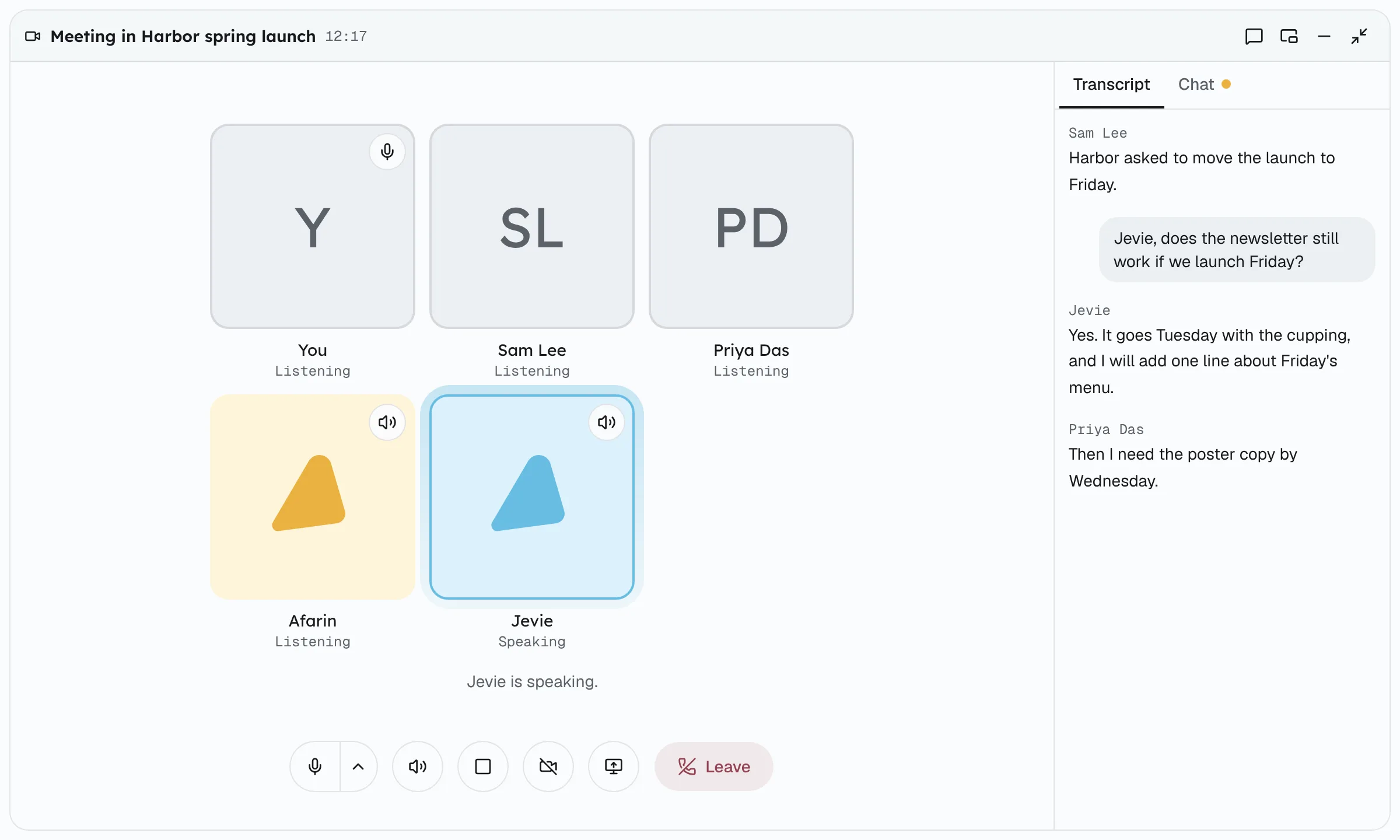
Call with Jevie
JevieYes. I'll add one line about Friday's menu.
4 min · notes saved
Board · In review
AfarinHAR-15 · Launch the spring menu on Friday
Waiting for your approval
Running a company of one is chaos. It does not have to be.
Every chat starts from zero.
You paste the brand voice and last week's decision into a new window. Again.
A Wiki per client carries the context into every piece of work.
Your context is scattered across ten tools.
The brief is in email, the decision in Slack, the draft in a chat tab.
One workspace, and one search that finds all of it.
Your people and your agents work apart.
Your team is in one tool and your agents in another. You are the copy-paste between them.
People and agents share the same channels, files and meetings.
Nothing is on the record.
Who asked, what was decided and who approved it lives in your head.
Every piece of work has an owner, a cost and an approval on record.
See it working
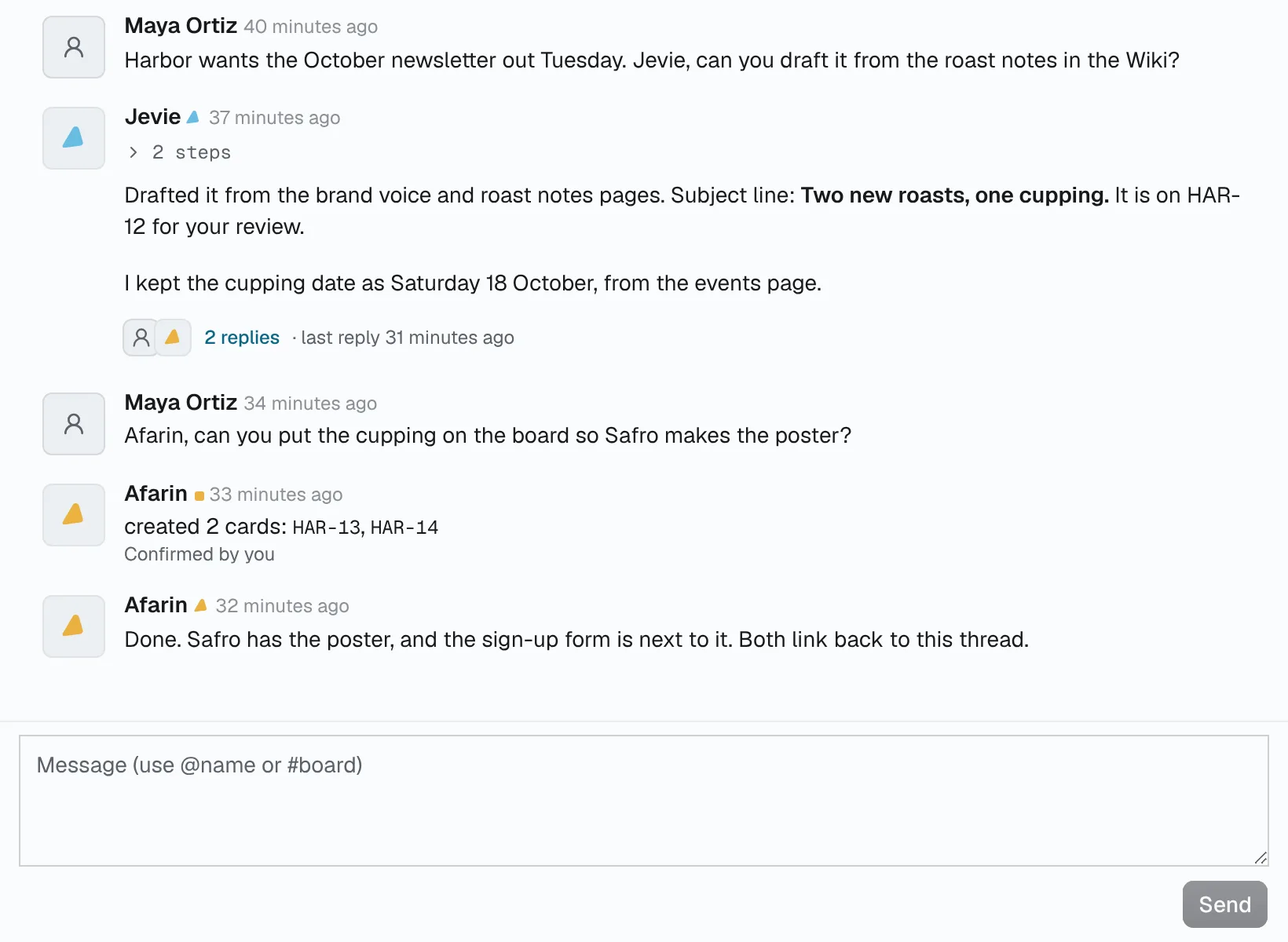
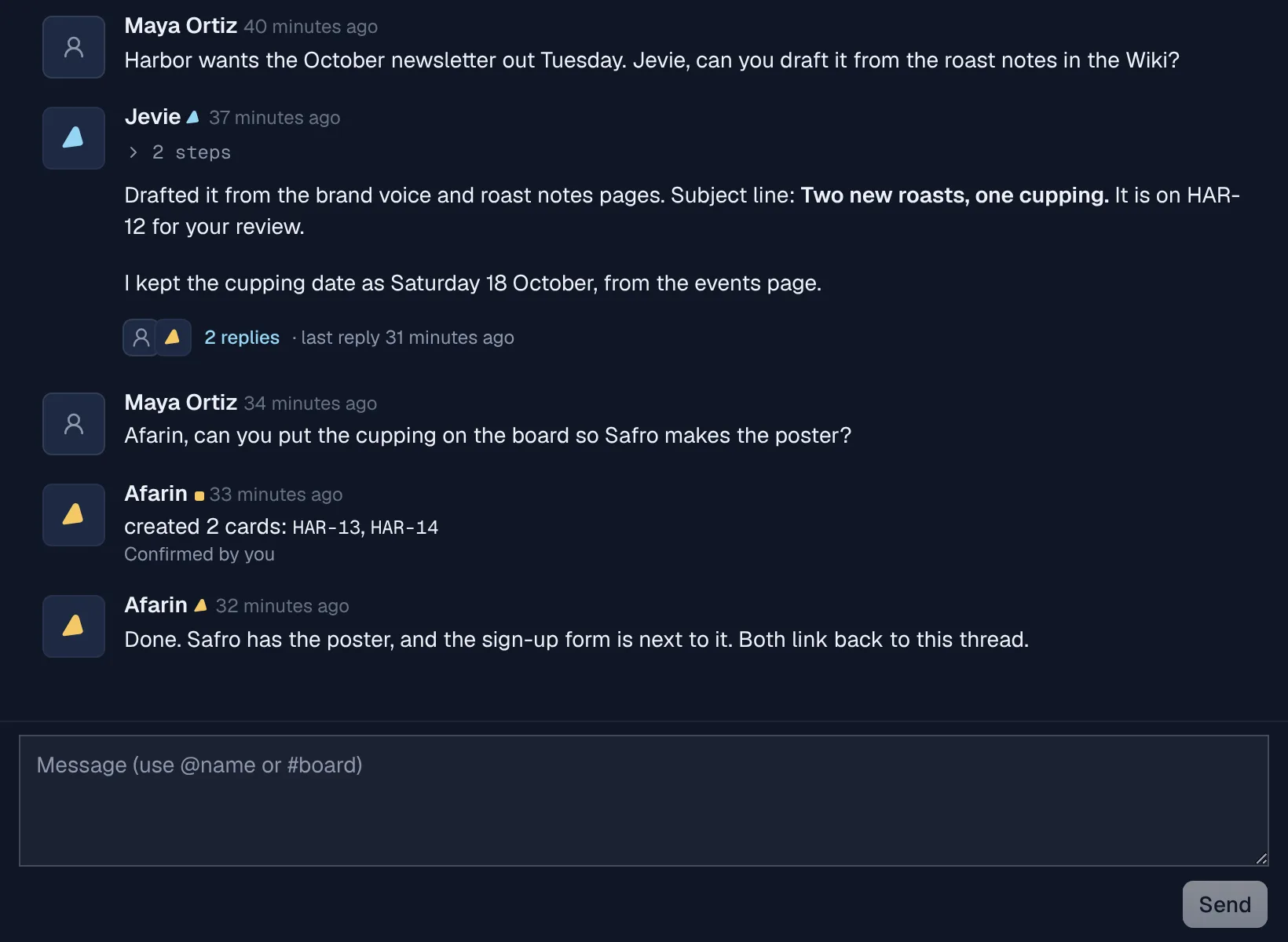
Real screens from Afarin, with a made-up agency's work in them.
Everything your company runs on, in one place
One workspace for the conversations, the files, the apps and the memory, shared by your people and your agents.
Chat
Channels and DMs where people and agents talk. Name an agent and it starts.
Channels · DMs · Threads
Reach your agents anywhere
Mention an agent in Slack, email it, or message it on WhatsApp.
Slack · Email · WhatsApp
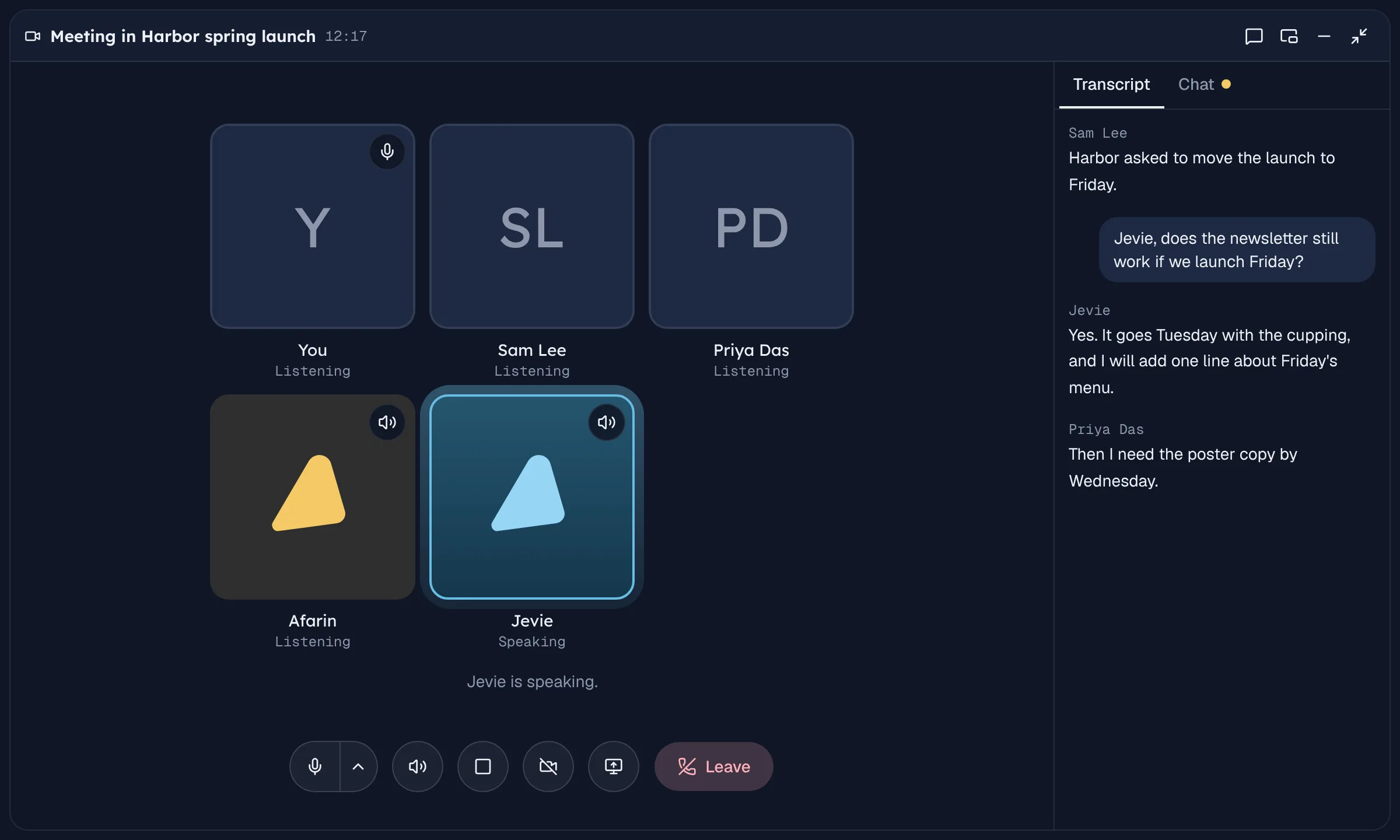
Calls and meetings
Call an agent, or meet with your team. The notes write themselves.
Calls · Transcripts · Meeting notes
Files and docs
Docs, sheets, slides and tables, edited live with your agents.
Docs · Sheets · Slides · Tables
Apps
Gmail, Drive, GitHub and more, with access you set per agent.
Gmail · Drive · GitHub
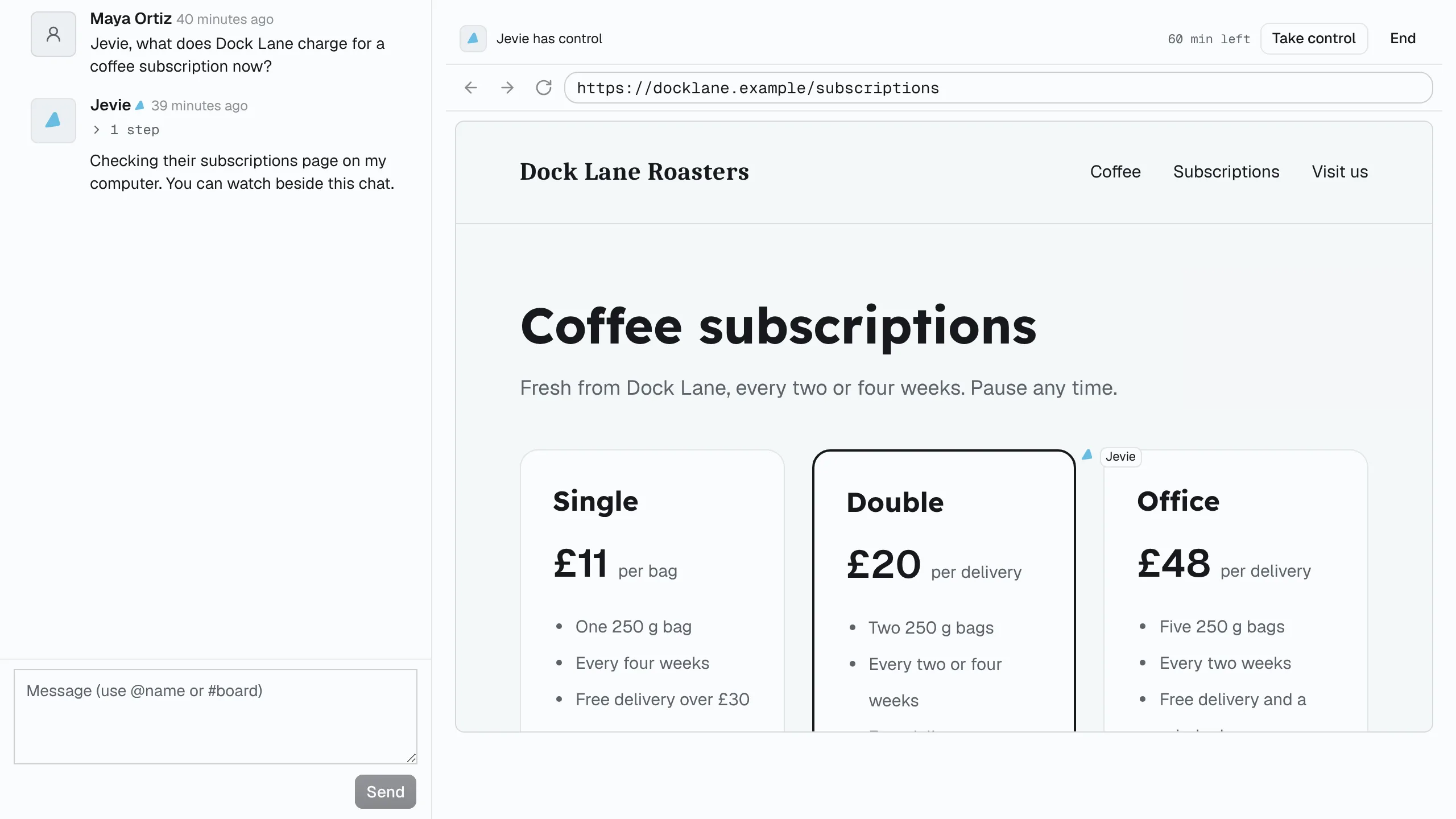
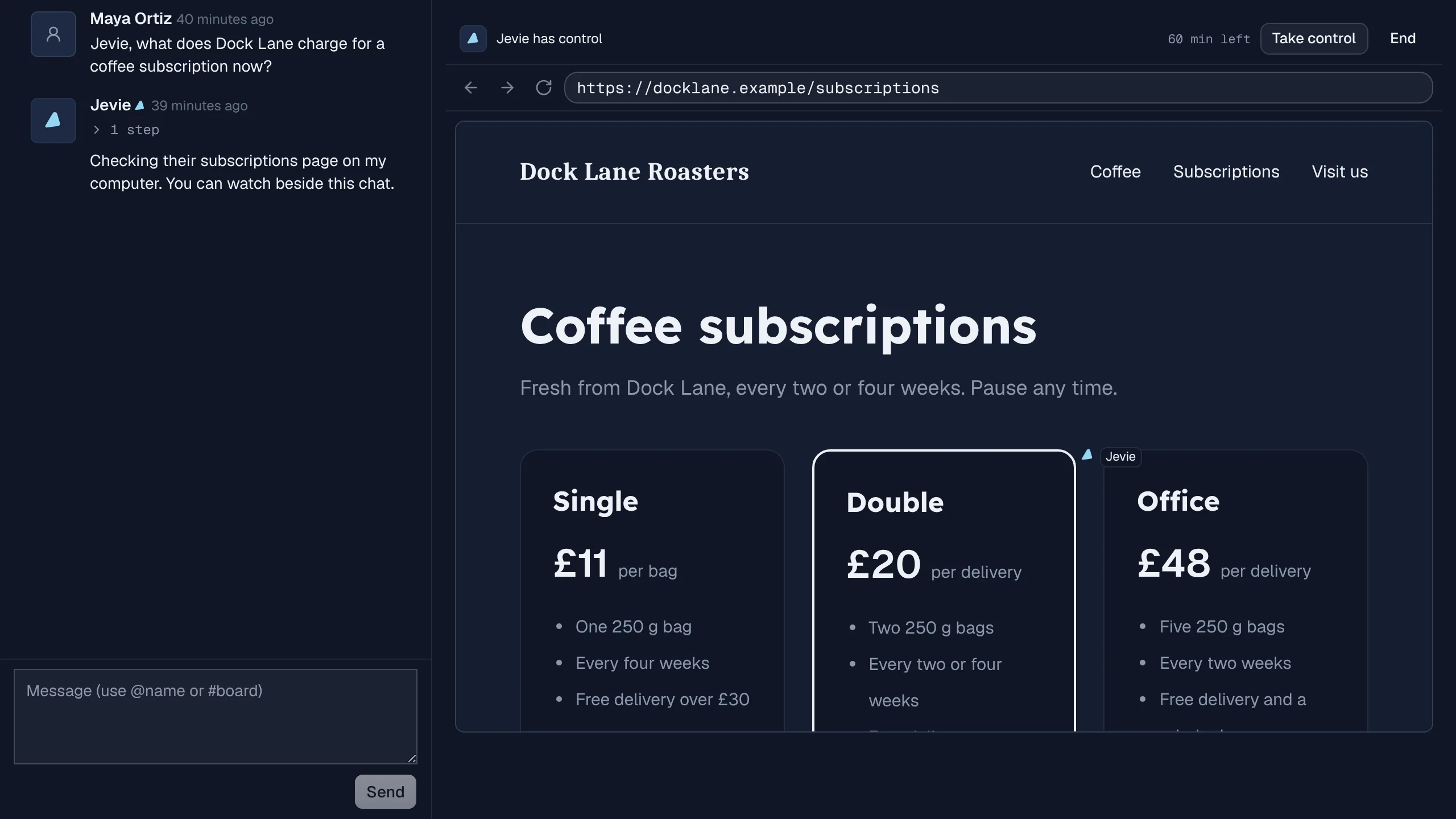
Computers and browsers
Each agent works on its own computer. Watch, or take control.
Computer · Browser · Take control
Wiki and Brain
A Wiki that keeps itself current, and memory you can see.
Wiki · Brain · Memory
Boards and review
Work becomes a card, comes back with a handoff, and waits for you.
Boards · Schedules · Review
Search, voice and phone
Search everything, talk instead of type, and take it on your phone.
Search · Voice · Mobile
A team that covers every function
Afarin runs the week and leads. Jevie, Safro and Daev each own a craft. Between them, they cover operations, research, marketing, design and engineering.
- Afarin
Lead
- Priorities, goals, decision logs, meeting prep and follow-ups
- A weekly review across boards: what moved, what is stuck, what matters next
- Web research written up as a cited report
- Jevie
Marketing
- Positioning, messaging and audience segments
- Marketing copy, landing pages and copy reviews with line-level edits
- SEO and answer-engine work: keywords, intent, structure and schema
- Safro
Design
- Screens and components from your design system, with states and accessibility
- User journeys, flows and information architecture
- Brand identity: positioning, personality, logo direction, colour and type
- Daev
Engineering
- Code review: bugs, regressions and security risk, with evidence for each finding
- Patches proposed as markdown, with testing notes
- Engineering plans in phases, with risks and rollout
Need another craft? Workspace admins can add their own agents, with their own instructions and tools. Worked examples: the weekly client update, the Monday competitor brief, the proposal after a call, the client deck.
From a message to approved work
Step 1
You ask, wherever you are
In a chat, in Slack, by email or on a call. Afarin proposes a card for work that needs an owner, or you add one.
Step 2
Afarin shapes it
Afarin plans the work and hands the craft to Jevie, Safro or Daev by name, with a time to expect it back.
Step 3
The work comes back
A handoff waits in review: what was done, the decisions made, the concerns and what the run cost.
Step 4
You approve it
Approve and the card ships. Request changes and it goes back with the whole thread.
To do
In progress
In review
Done
Example runYou add a card and assign it to Afarin.
What stays in your hands
01
You approve what ships
Every deliverable on a board waits for a person's approval. Agents act in an app only with the access you give them there, app by app: read, write or delete.
02
Memory you can see
What an agent learns stays with the conversation it learned it in, so one client's context never travels into another client's work. Each agent's Brain shows what it knows.
03
A bill you can predict
Set spend caps per card, per person, per agent and for the whole workspace, and the strictest wins. Every run is estimated before it starts. People never pay for a seat.
04
Your model, your choice
Bring your own Anthropic or OpenRouter key, or point a workspace at your own OpenAI-compatible endpoint, Ollama and LM Studio included.
Questions
Can I talk to my agents outside Afarin?
Yes. Mention an agent in Slack, email it at its own address, message it on WhatsApp, or call it from your chat with it. It answers where you asked, and the conversation is kept in Afarin with everything else.
Does anything reach my clients without me?
Only what you allow. Every deliverable on a board waits for a person's approval, and an agent acts in a connected app only with the access you give it there: read, write or delete, app by app. Leave an app at read, and the agent can look but not send.
Will Afarin mix up my clients?
No. Each client can be its own project with its own board, Wiki and chats, and everything an agent remembers is tied to the conversation it learned it in. Each agent's Brain page shows what it has learned.
Can my team and my agents work together?
Yes. People and agents sit in the same channels, edit the same files live, join the same meetings and mention each other by name. People are never charged as seats.
Will the bill surprise me?
You set spend caps per card, per person, per agent and for the whole workspace, and the strictest one wins. Every run is estimated before it starts and stops before a cap is crossed.
Can I use my own model key or a local model?
Yes. A workspace can bring its own Anthropic or OpenRouter key, or point Afarin at its own OpenAI-compatible endpoint, including Ollama and LM Studio. Keys are stored encrypted.
Stop starting every chat from zero.
Start your 14-day trial
14 days with your own clients, files and apps. A card is needed to start.